- General
- Password reset
1. Enter the following address in your browser https://www.onlineexpo.com/admin/
2. Press the " Forgot your password?" button.
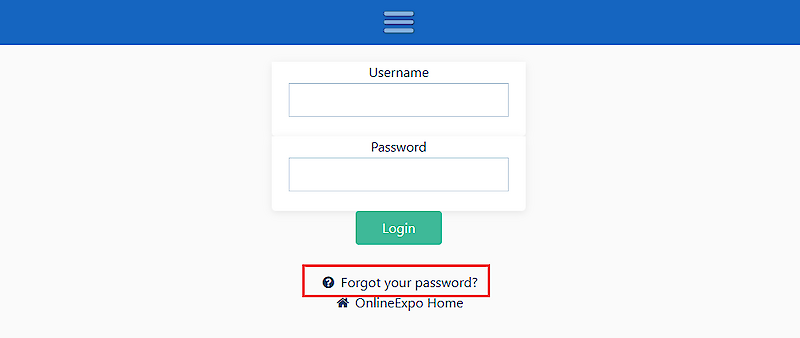
3. Enter the email address by which your account is registered. The system will forward the instructions to your e-mail
4. Open your e-mail account. You will find a letter with a unique code and a link to change the password - also check the "Spam".
5. Click on the link and enter the code sent by the system, your e-mail and the new password.
6. Click the "Submit" button
The password has been updated and you can login to your account.