1. Enter the following address in your internet browser https://www.onlineexpo.com/admin/
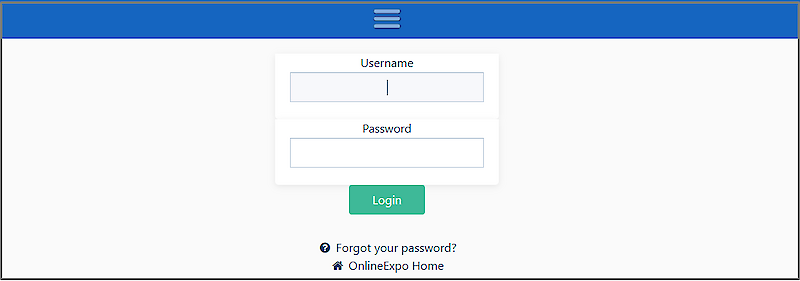
2. Enter your username and password and press the "LOGIN" button
3. You have successfully logged in to the OnlineExpo environment when the name of your stand is displayed

1. Enter the following address in your browser https://www.onlineexpo.com/admin/
2. Press the " Forgot your password?" button.
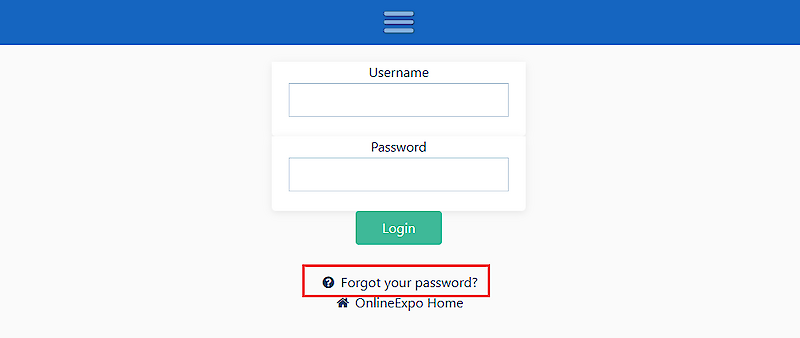
3. Enter the email address by which your account is registered. The system will forward the instructions to your e-mail
4. Open your e-mail account. You will find a letter with a unique code and a link to change the password - also check the "Spam".
5. Click on the link and enter the code sent by the system, your e-mail and the new password.
6. Click the "Submit" button
The password has been updated and you can login to your account.
1. Log in to the environment
2. Move the cursor over the name of your page name. A pop-up menu will appear.
3. Click the "Edit" button. The admin side of the page will open with fields where you can start entering/editing information.


To save the information, press the "SAVE" button at the top or bottom of the page.
1. Move the cursor to the top right icon/image. A pop-up menu opens
2. Click on "Logout".